🏗️ Part 3: Demystifying Kubernetes Architecture — How Everything Works Together

Search for a command to run...
No comments yet. Be the first to comment.
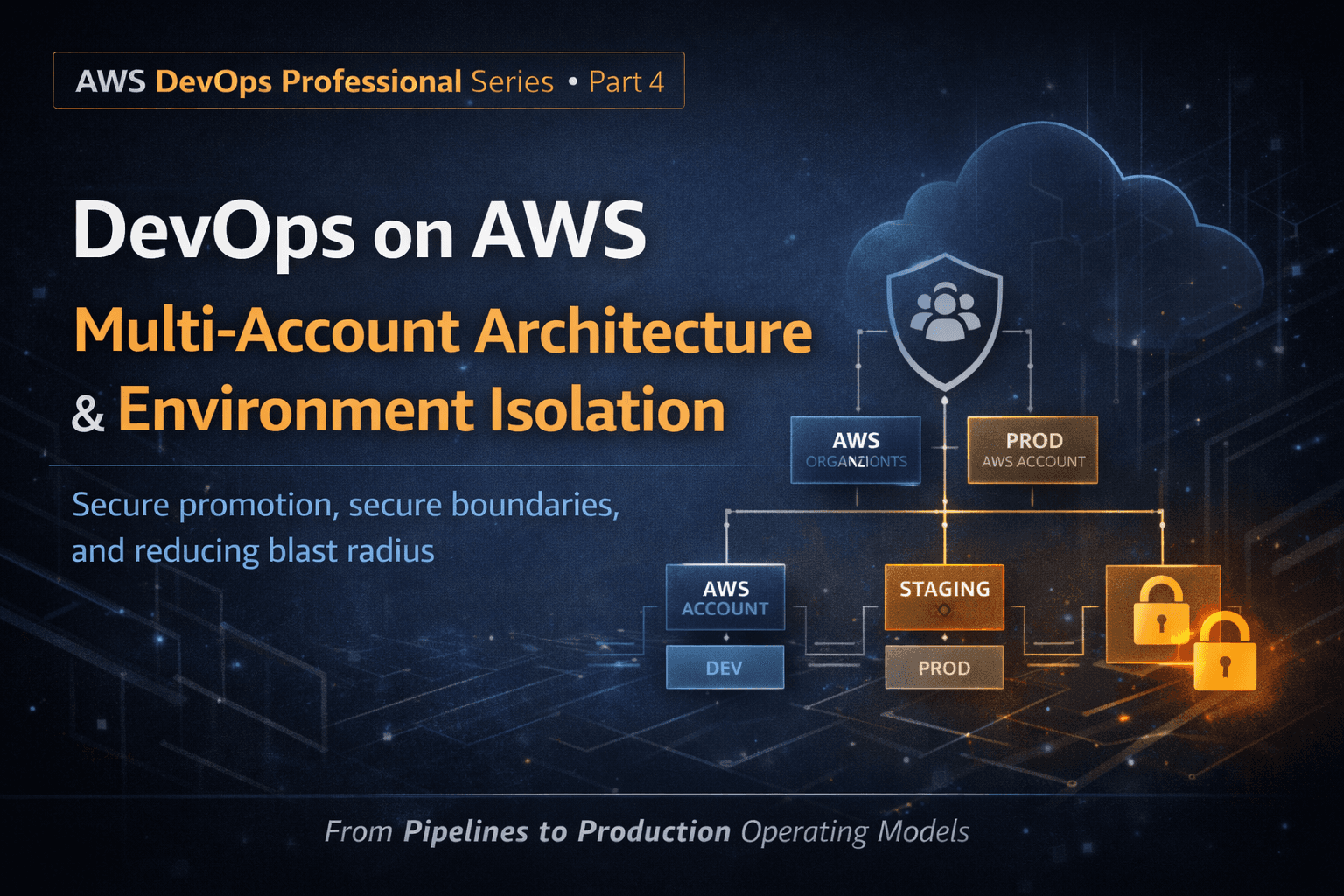
At small scale, a single AWS account feels simple. At scale, it becomes dangerous. Most large-scale AWS failures are not caused by bad code :they’re caused by poor isolation. This post focuses on why multi-account architecture is foundational to AWS ...
Most outages in production don’t happen because code is bad. They happen because change is poorly introduced. At scale, deployment is not a technical step , it’s a risk management discipline. This post focuses on how AWS DevOps systems introduce chan...
In Part 1, we established an uncomfortable truth: DevOps on AWS is not about pipelines.It’s about designing systems that change safely under pressure. Nowhere is this more visible or more misunderstood than Infrastructure as Code (IaC). Most teams tr...
DevOps on AWS: From Pipelines to Production Operating Models Most people think DevOps on AWS means CI/CD pipelines, YAML files, and automation tools. That’s not DevOps.That’s just mechanization. At scale, DevOps on AWS is an operating model - a way s...
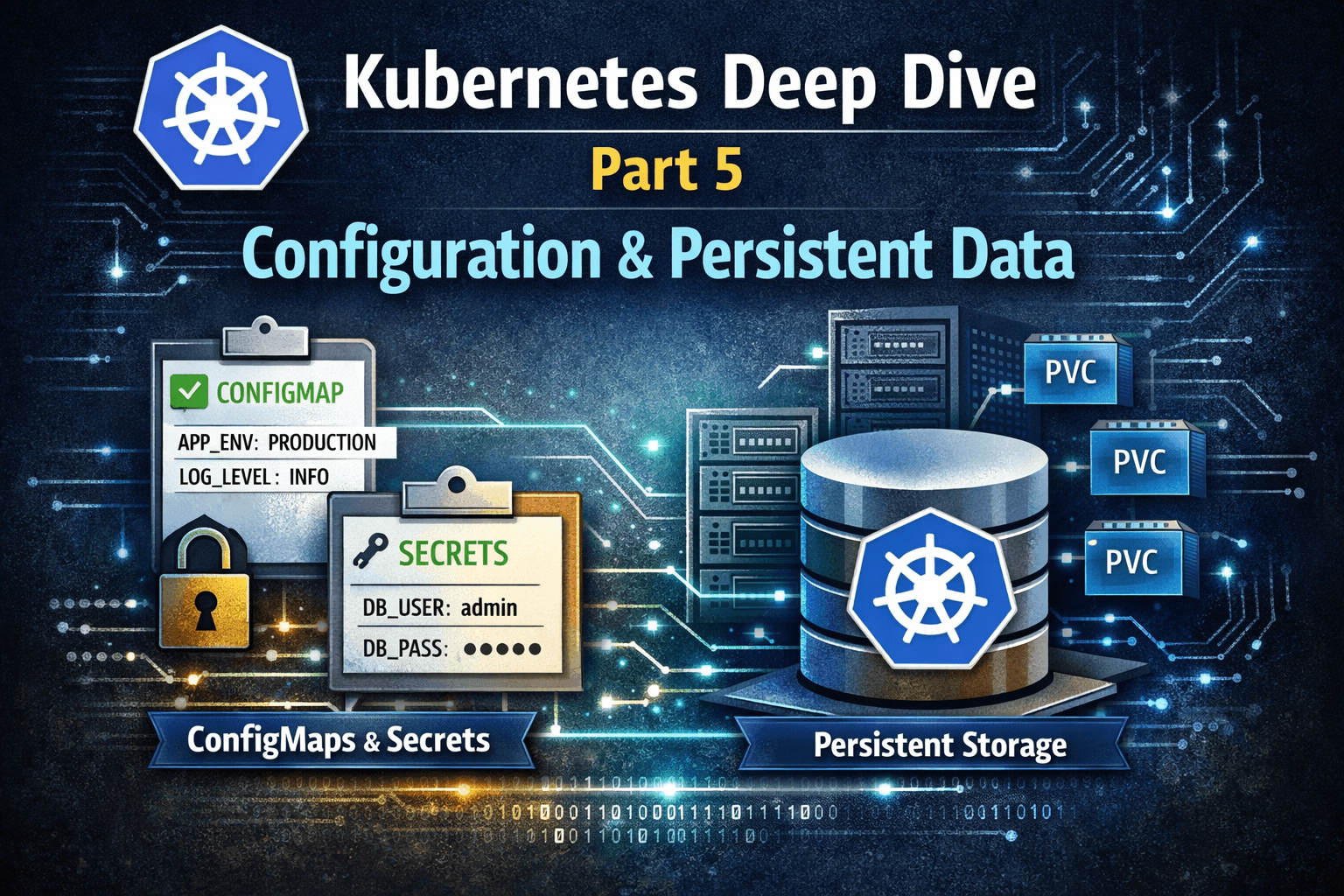
In Part 4, we explored Kubernetes networking - how traffic flows securely and efficiently inside and outside the cluster. Now we move to a topic that truly separates stateless demos from real production systems: Configuration management and persisten...
DevOpswithAsma
11 posts
In Part 2, we explored the core building blocks of Kubernetes — Pods, Deployments, Services, StatefulSets, ConfigMaps, Secrets, and Volumes.
Now, it’s time to take a step back and see the big picture: how these components connect within the Kubernetes architecture to make clusters resilient, scalable, and self-healing.
At a high level, a Kubernetes cluster is divided into two main layers:
Control Plane (Master Node) — the brain of the cluster
Worker Nodes — where applications actually run
Everything you deploy interacts with these layers in one way or another.

The Control Plane manages the state of the cluster and ensures your desired state (what you define in YAML) matches the actual state.
The entry point for all administrative commands (kubectl apply, kubectl get pods, etc.)
Exposes the Kubernetes API and validates requests
Acts as the central hub — every other control plane component talks to it
A key-value store that keeps the cluster state
Stores configurations, secrets, Pod specs, Service definitions
If the API server crashes, etcd ensures your cluster’s state is preserved
Determines which nodes should run new Pods
Looks at resource requirements, node availability, and constraints
Runs control loops to maintain cluster state automatically
Examples:
Deployment Controller ensures the desired number of Pods are running
Replication Controller replaces failed Pods
StatefulSet Controller ensures database Pods maintain order and identity
Worker nodes run your actual applications (Pods). Each node has several components:
Agent running on every node
Ensures containers in Pods are running as defined in the Deployment/StatefulSet
Handles networking and routing inside the cluster
Ensures Services route traffic correctly to Pods
Runs the containers (Docker, containerd, CRI-O, etc.)
Converts your Deployment/Pod specs into real running containers
You define a Deployment YAML → submitted to the API Server
The Scheduler picks a node to run the Pods
Kubelet on that node starts the container(s)
Controller Manager monitors replicas, replacing Pods if they fail
Kube-Proxy ensures traffic to Services reaches the correct Pod
etcd stores the current state so the cluster remembers everything
Everything is self-healing — if a Pod dies, a new one spins up automatically, Services keep routing traffic correctly, and StatefulSets maintain order for databases.
To manage large clusters, you also need monitoring and logging:
Prometheus: metrics collection (CPU, memory, custom app metrics)
Grafana: dashboards for visualization
ELK Stack / Fluentd: logs aggregation and troubleshooting
These tools integrate with the control plane and worker nodes to provide full visibility.
User / kubectl → API Server → Scheduler & Controller Manager → Worker Nodes → Kubelet → Pods/Containers
                                        ↓
                                      etcd
Add Services, Ingress, StatefulSets, ConfigMaps/Secrets/Volumes, and monitoring tools — and you have a resilient, scalable, production-ready cluster.
Understanding architecture lets you:
Debug cluster issues faster
Optimize resource usage
Design scalable and secure applications
In Part 4, we’ll dive into advanced Kubernetes networking, Services, and Ingress controllers, so you’ll understand how traffic flows inside and outside the cluster.
💬 Follow me to complete the Kubernetes series and master the entire stack.
#Kubernetes #DevOps #CloudNative #CKA #Containers #LearningPath #K8sArchitecture